Your Fun Pass Member Guide
Everything you need to know to make the most of every visit.
You Made a Great Choice. Here's How It Works.
Your Fun Pass is packed with daily game play, food discounts, Adventure Zone savings, and surprise bonus gifts — all managed right from the Chuck E. Cheese app. This guide walks you through everything in three simple steps, plus a handy cheat sheet for every visit.
Three Steps to Your First Visit
These steps happen once. After that, every visit is quick and easy.
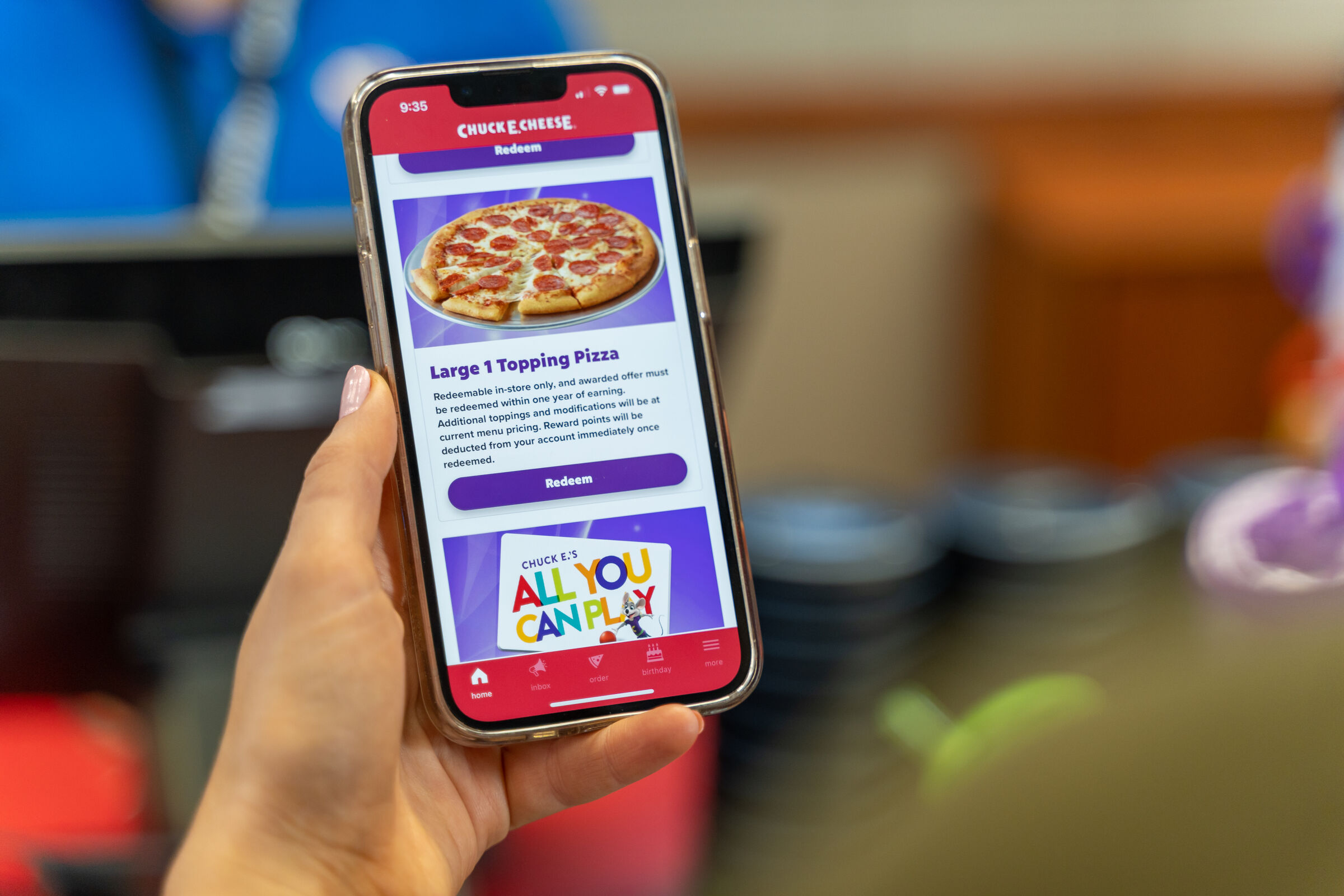
Download the Chuck E. Cheese App
Your Fun Pass lives in the app. Every benefit — daily game play, food discount, Adventure Zone savings, surprise gifts — is redeemed right here. You cannot use your Fun Pass without it, so download it now and log in with the same email you used to purchase.

Grab Your Play Pass Card on Your First Visit
Your Play Pass card is a physical card that stores your daily game play. On your very first visit, open the app, go to Rewards, and redeem your Play Pass benefit at the front register — a Cast Member will hand you the card.
- Keep this card. Your daily Play Points reload onto it at every visit — it lasts the entire duration of your pass.
- You can split Play Points across up to 6 cards. Great for families with multiple kids — just ask a Cast Member to set up your split on your first visit.
- Purchased at a Fun Center? Register your pass at chuckecheese.com/funpass/register before visiting to link it to your account.

Arrive, Open the App, and Play
Once setup is done, every future visit follows the same quick routine — the whole thing takes about 60 seconds at the front counter.
- Open the Chuck E. Cheese app when you arrive.
- Go to the Rewards panel and select the benefit you want to use.
- Tap REDEEM and show the QR code to a Cast Member at the front counter.
- Present your Play Pass card to load today's game play — then go have fun.
The account holder (the person who purchased the pass) must be present at every visit for benefits to be applied.
What Does My Pass Include?
All three tiers include the same types of benefits — more of everything at each level. Find your pass below.
Want more? You can upgrade your tier anytime — visit chuckecheese.com/funpass to see options.
How to Redeem Every Single Benefit
Each benefit works the same way — app open, tap Redeem, show the QR code. Here's what that looks like for food, game play, and Adventure Zone.
Three benefit types, one universal rule: always order or purchase at the front counter (not tableside) to apply your discount.
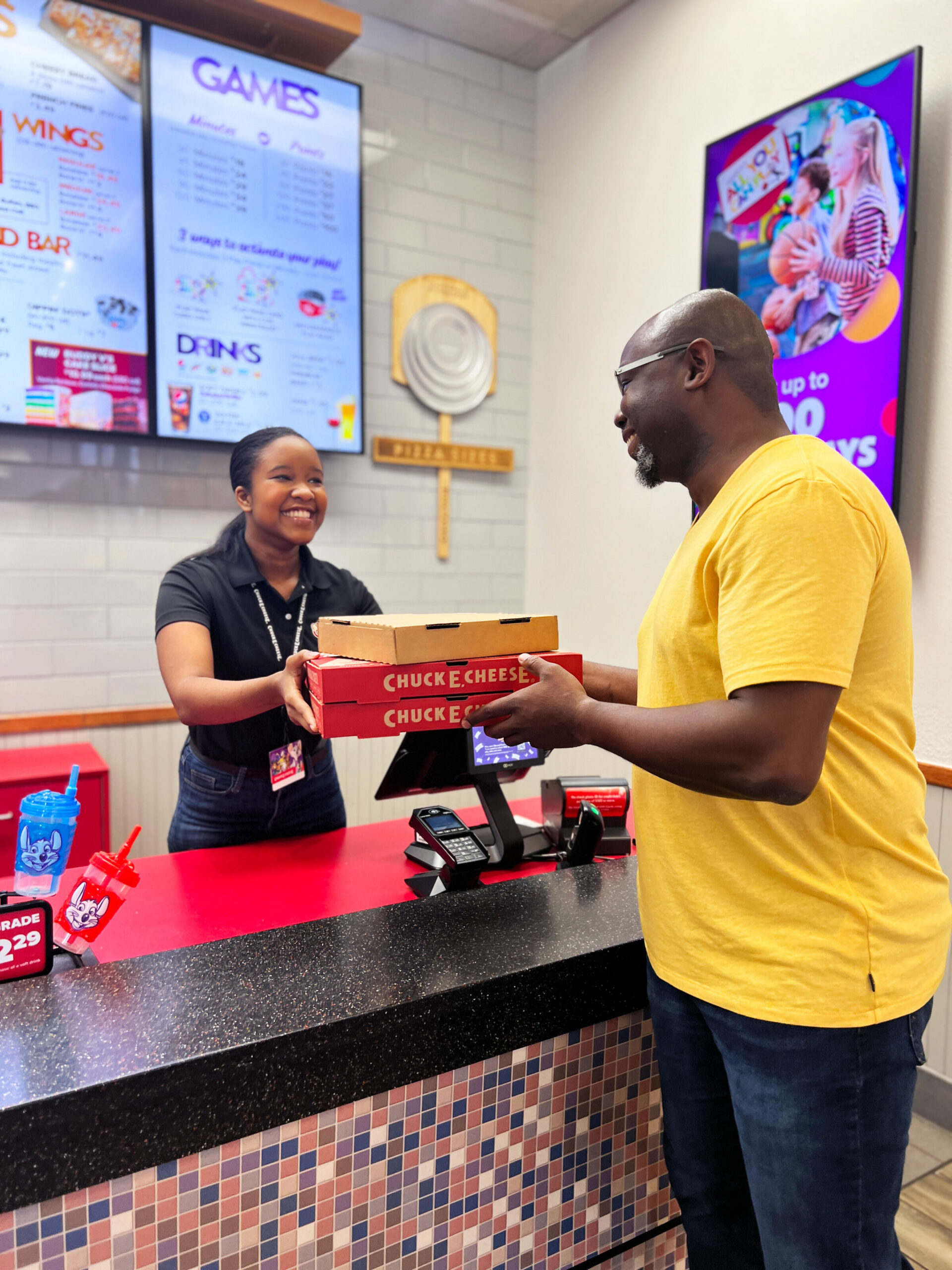
Food & Drink Discount
Get 20% (Bronze) / 30% (Silver) / 50% (Gold) off most food and beverage purchases — pizza, sides, drinks, and more.
- Open app → Rewards → Food & Drink Discount → REDEEM.
- Show QR code to Cast Member at the front counter before ordering.
- Discount applies automatically. That's it.
Not valid on birthday party packages, combo packages, group events, Buddy V.'s Cake Slices, some limited-time offers, or alcohol. Purchases must be spaced 15–20 minutes apart for system refresh.
Extra Game Play Discount
Ran through your daily Play Points? Your pass gives you a discount on additional Play Points purchased at the front register — 20% (Bronze) / 30% (Silver) / 50% (Gold) off.
- Open app → Rewards → Extra Play Discount → REDEEM.
- Show QR code at the front counter and purchase additional Play Points there.
Additional Play Points must be purchased at the front register to apply the discount. This discount is exclusive to the account holder and cannot be shared with non-pass holders.


Adventure Zone Discount
Trampolines, Superhero Playground, and more — your pass gets you 20% (Bronze) / 30% (Silver) / 50% (Gold) off Adventure Zone admission at participating locations.
- Open app → Rewards → Adventure Zone Discount → REDEEM.
- Show QR code at the front counter when purchasing Adventure Zone admission.
Available at locations with Adventure Zone. Adventure Zone admission is a separate purchase from game play. Discount applies per visit.
Bonus Surprise Gifts Are Coming Your Way
Throughout your membership, surprise gifts pop up in your Rewards panel — free game play, exclusive discounts, VIP event invitations, and more. No schedule, no hunting. They just appear.
You'll get an app notification and email when a gift arrives. Make sure notifications are on so you don't miss it.
Open the AppStill Have Questions? Ask Chuckbot 2.0!
Chuckbot 2.0 is Chuck E. Cheese's AI assistant — and a Fun Pass expert. Ask about your benefits, redemption rules, Play Points, or anything else about your pass, any time of day.
"How do I split my Play Points across two kids?"
Look for the Chuckbot 2.0 chat button in the lower-right corner of your screen — it's always there when you need it.
Good to Know
Quick answers to the questions members ask most.
Where can I use my Fun Pass?
When do my daily Play Points reset?
Can I use my benefits at a birthday party?
What are Play Points, and how are they different from E-Tickets?
Can I split my Play Points across multiple kids?
Does the account holder need to be present at every visit?
When will I receive my bonus surprise gifts?
Can I upgrade my Fun Pass tier?
Do my purchased Play Points bundles expire?
How do I redeem my food discount if I want to order tableside?
You Might Also Like

Ready to Make the Most of Every Visit?
Download the app, grab your Play Pass card on your first trip, and start enjoying everything your Fun Pass has to offer. See you at Chuck E. Cheese!